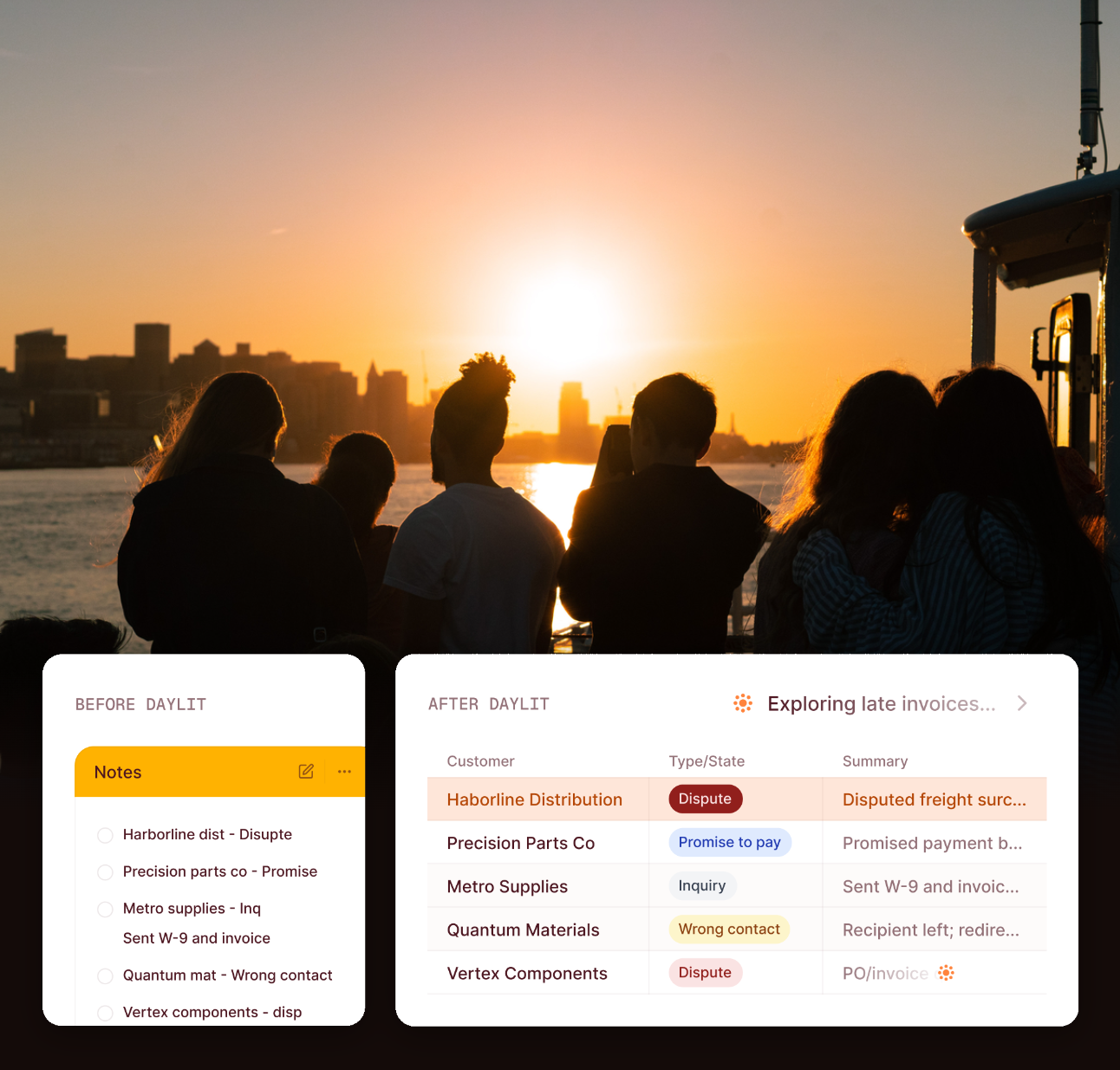
Your Labels Are Accurate. Is Anyone Actually Moving the Account?

Your labels update themselves the moment something changes. Here's how Label Effects finally acts on that change by enrolling or removing the customer automatically. Every enrollment shows exactly which label change caused it, so nothing happens without a clear reason.

Jared Shulman
September 8, 2026

Your Labels Are Accurate. Is Anyone Actually Moving the Account?

A Label Update Isn't the Finish Line

A customer starts paying slower. Or a small account quietly grows into one of your biggest. Either shift changes what your team should be doing with that customer right now, but nothing forces anyone to act on it the moment it happens. Someone has to notice the change, decide what it means, and go do something about it. Usually by hand.

Smart Labels already solved the noticing part. A label recomputes itself the instant a customer's behavior crosses a threshold your team defined; no one has to remember to re-check it. But a label that updates itself and stops there is only half a job. The label knew. Nobody moved.

Why Nobody Notices a Behavior Change in Time

This isn't a discipline problem, the same way stale segmentation wasn't a discipline problem. It's a structural one.

Even with a label updating itself in real time, the thing that's supposed to happen because of that update still depends on a person seeing the change and acting on it. That means enrolling the account in a collection program, pulling it into an escalation sequence, and taking it back out once the label clears, every time, by hand. On a small book, that's survivable. On a real book, where labels are shifting constantly as accounts pay down balances, slip into new tiers, or grow past a size threshold, the gap between what the label says and what the workflow is actually doing widens every single day nobody's watching.

The label was never the stopping point. The action it was supposed to cause was.

Two Ways a Book Changes, and What Happens When Nobody Catches It

Risk isn't the only thing that moves, and both directions have a real cost when nobody's watching.

Say your team wires a High Risk label to an action: on assign, enroll the customer in your Escalation sequence; on remove, take them back out. Without Label Effects, someone has to remember that mapping exists, notice the label just changed, and go make the move themselves. Miss it, and a customer who's already sliding keeps getting treated like a normal account. No escalation, no tighter follow-up, until someone happens to look.

It works the same way in the other direction. Say a customer that's been ordering a modest amount every month suddenly triples their volume, and your team has a Strategic Account label for exactly this. If nobody happens to be watching that customer's order history that week, the account keeps getting treated like it's still small: generic follow-up instead of the onboarding and attention a strategic account is supposed to get. A growing customer getting ignored is a different kind of cost than a risky one getting missed, but it's still a cost, and it's still sitting on the same gap. The label knew, and nobody acted on it.

With Label Effects, both directions run the same way. The moment High Risk is assigned, Daylit enrolls the customer in Escalation automatically. The moment it's removed, Daylit takes them back out. The moment Strategic Account is assigned, Daylit enrolls the customer in whatever sequence your team built for that: a different cadence, a different point of contact, whatever the process actually calls for. One setup step per label, in either direction. Nobody has to be the one who noticed by chance.

The Part Everyone Skips: Why Every Enrollment Explains Itself

Automation that can't explain itself doesn't survive contact with a real AR team. If a collector opens a case and finds a customer already sitting in Escalation with no explanation, the instinct isn't to trust it. It's to go check whether something went wrong.

Every enroll, unenroll, and skipped action Label Effects takes writes a durable record. Click into the customer and you can see exactly which label change caused it: the same "why is this here" answer Smart Labels already gives for the label itself, now extended to what the label actually did. Nobody has to keep a side spreadsheet just to double-check the automation.

When Two Labels Disagree: How Ties Get Broken

Books don't change one label at a time. A customer can pick up two labels in the same sync, and those labels can point in opposite directions about the same program: one saying enroll, the other saying remove.

Label Effects has a documented rule for exactly this. Equal priority keeps the customer enrolled rather than removing them. A higher-priority label beats a lower one. And every leg that loses the tie is still logged, not silently dropped, so even when the outcome wasn't obvious, there's a record of why it went the way it did.

How Label Effects Works in Daylit, End to End

In practice, a label changes: a customer became a worse payer, grew into a bigger account, or crossed whatever threshold your team defined. The effect you configured for that label takes over from there. No one has to open the account, notice the change, or remember which sequence it's supposed to go into. It's already moved by the time anyone looks.

Open a label's settings page and you'll find the Downstream effects section directly on it. Add an effect, choose what happens on assign and on remove, and set it to Auto. From then on, every future label change runs it, the same way, every time, whether it's the fifth account that changes this week or the five-hundredth.

Want to see which of your labels aren’t actually moving anyone yet?

We’ll walk your Labels & Rules setup with you and show you exactly which ones are still waiting on someone to notice, and what wiring an effect to them would change.

Book a Meeting

Why This Matters Beyond Any Single Account

One enrollment happening automatically instead of by hand is a small thing on its own. What actually matters is what happens as the number of behavior changes in your book grows faster than your team does.

Without this, more label changes just means more of the same manual work, done by more people, with more chances for two similar accounts to get different treatment depending on who happened to notice first. With the label and the action wired together, that scaling problem changes shape. The goal stops being whether someone caught it in time and becomes whether the action already happened, correctly, the same way it happens every time. Growth doesn't wear that down. Only an actual change in what the effect is supposed to do does.

Conclusion

A label was never supposed to be something your team just looks at. It was supposed to be the thing that tells the rest of the system what to do next. That's what Label Effects does. Set the effect once, and every future label change moves the account for you.

Frequently Asked Questions

If I set a leg to "Requires approval," who approves it?

Nobody, yet. There's no approval queue live. Only Auto-mode legs actually run today. Requires approval is visible in Settings for later, but treat it as not-yet-functional; configure new effects as Auto if you want them to do anything.

Does turning this on for an existing label immediately enroll everyone who already has it?

No. It only fires on a label being assigned or removed going forward. Customers who already carry the label before you turn on the effect are untouched until a future label change.

What happens when two labels disagree about whether a customer should be enrolled?

A documented tie-break rule decides. Equal priority keeps the customer enrolled rather than removing them, and every skipped or losing leg is still logged, so nothing silently drops.

Do sequences and collection programs behave the same way?

Not quite. A customer can be enrolled in more than one sequence at the same time; sequences are additive. But only one collection program can actively drive a customer's dunning cadence at a time; if a second label change would enroll them into a different program, Label Effects swaps them rather than running two dunning cadences at once.
Insights

You might also like...

Your Cash Forecast Isn’t Broken. It’s Guessing.
Aging reports treat every promise to pay the same. Here's how Cash Flow Forecast weights each invoice by actual payment history instead — and adjusts the moment a promise or dispute comes in.
Read more
Your Cash Forecast Isn’t Broken. It’s Guessing.
Accounts Receivable Automation
Why Your AR Customer Segmentation Is Always Out of Date (And What to Do About It)
Manual tags go stale the moment anything changes about a customer. Here's why re-tagging never actually gets done at scale — and what it looks like when segmentation stays accurate on its own.
Read more
Why Your AR Customer Segmentation Is Always Out of Date (And What to Do About It)
Accounts Receivable Automation
Your Finance Team Has a Copy-Paste Budget. Nobody Approved It.
A copy-and-paste budget doesn't sound like much — until you put a number on it. 131 hours a week, roughly $300,000 a year, nearly half of it stuck in collections and disputes. Why the function never gets fixed on its own, and what to count before you hire more headcount.
Read more
Your Finance Team Has a Copy-Paste Budget. Nobody Approved It.
Report
No items found.