.svg)
.svg)
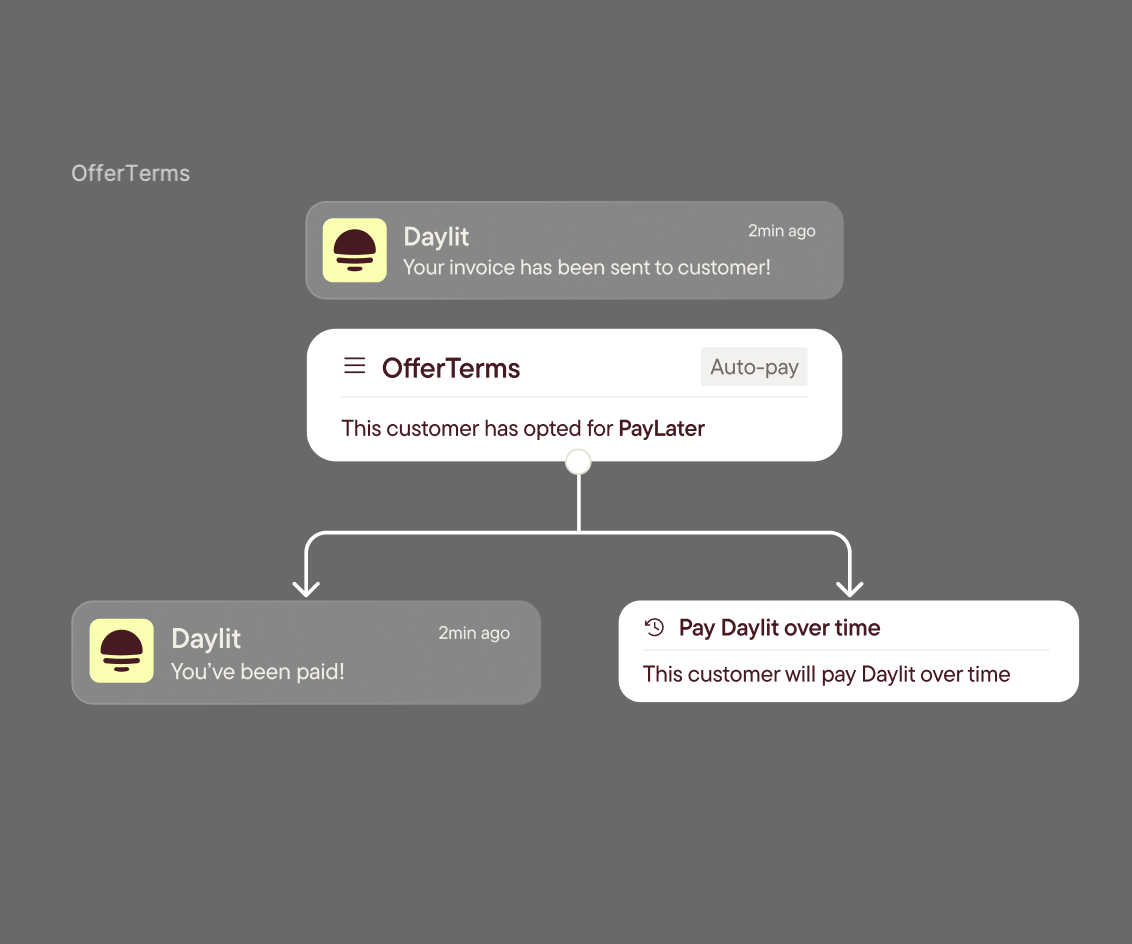
We’re excited to introduce OfferTerms, a new way for vendors to invite their customers to apply through Daylit, get them onto PayLater faster, and track their progress, all from one place in your Daylit portal.
Harper Flint from our team walks you through how this new product works:
What’s New
Invite your customers directly from Daylit
You can now invite your customers to apply for financing through OfferTerms and see every step of their progress in real time.
Available to everyone (even new users)
Whether you’re already using Daylit or just getting started, OfferTerms is live and ready for you. Simply sign up or login to access it instantly.
One place to manage invites
OfferTerms appears in your left-side portal menu; a centralized hub to send invites, view statuses, and follow up with customers.
Simple invite flow
Click Invite a Company, enter their name and email, then Preview & Send. That’s it.
Flexible sending options
- Copy invite link if you’d like to personalize your message
- Or Send from Portal (recommended) to automatically track each customer’s progress
Smart pre-fill for your customers
Your vendor info is automatically saved. When customers upload their first invoice, they won’t need to re-enter your details.
End-to-end visibility
See live statuses like Started, Submitted, and Decision, all from your OfferTerms dashboard.
Invite validity
Invites remain active for one month. After that, the link still works for customers, but tracking pauses until you resend or remind them.
Built-in support
Need help sending, previewing, tracking, or even covering fees for your customers? Our Daylit team is here to help.
How It Works
- Open OfferTerms → find it in your left-side portal menu.
- Invite a Company → enter the company name and contact email.
- Preview & Send → choose to copy the link or send directly from the portal.
- Customer applies → they get an email, click the link, and complete the Daylit application (with your info pre-filled).
- Track status → monitor Started / Submitted / Decision in the OfferTerms tab.
Why It Matters
- Faster onboarding to PayLater for your customers and faster payments for you.
- No more manual term negotiations and get paid upfront while your customers gain flexibility.
- Less data entry and fewer follow-ups.
- Full transparency to know when to nudge or assist.
Ready to Start?
Log in to your Daylit Portal, click OfferTerms, and send your first invite today.
Let’s make flexible payments effortless for you and your customers.
{{login-to-daylit-portal}}
If you face any issues, please reach out to your Daylit account rep.
Cheers,
The Daylit Team


