Label Effects
Your book changes and the workflow keeps up automatically
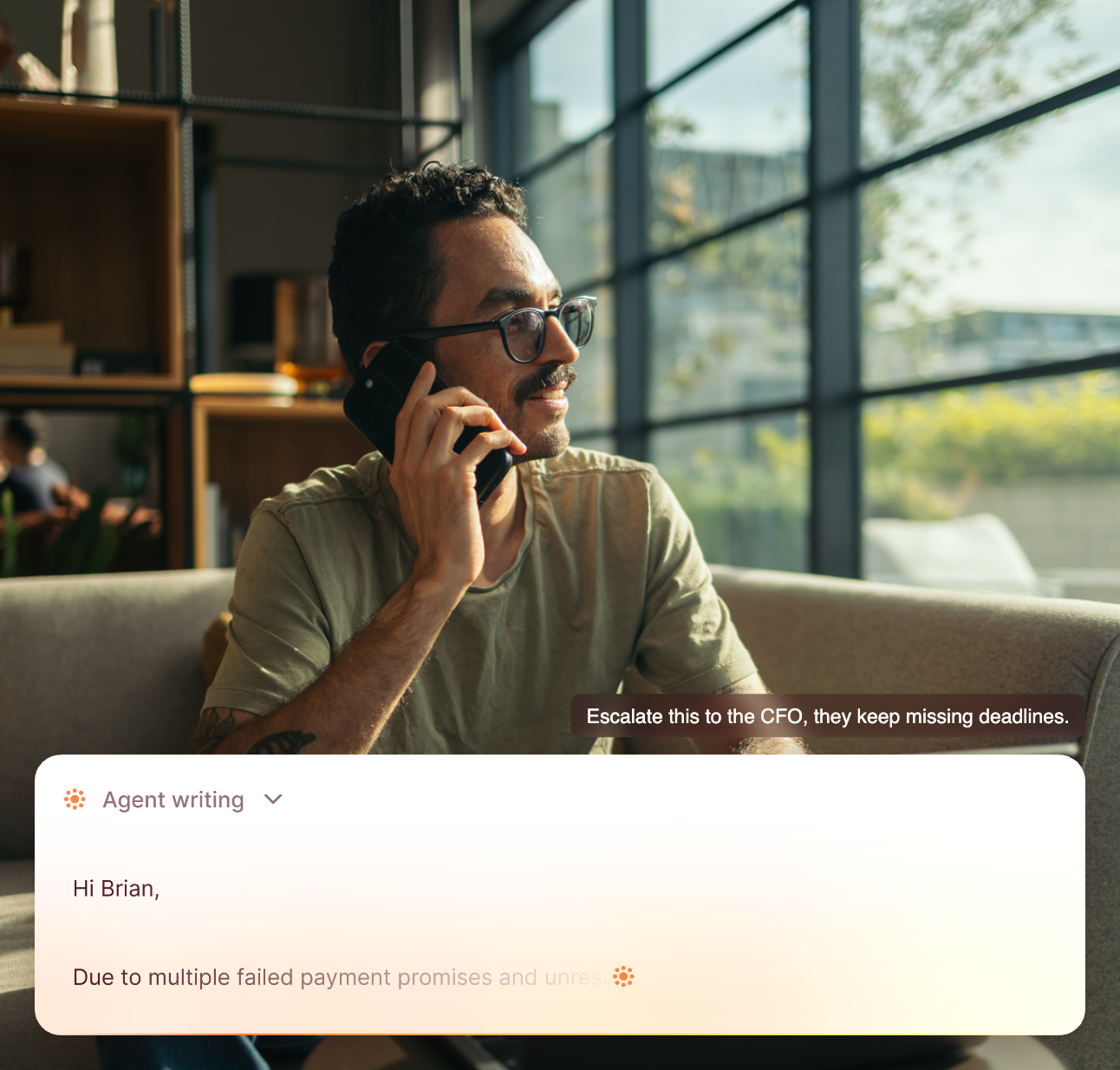
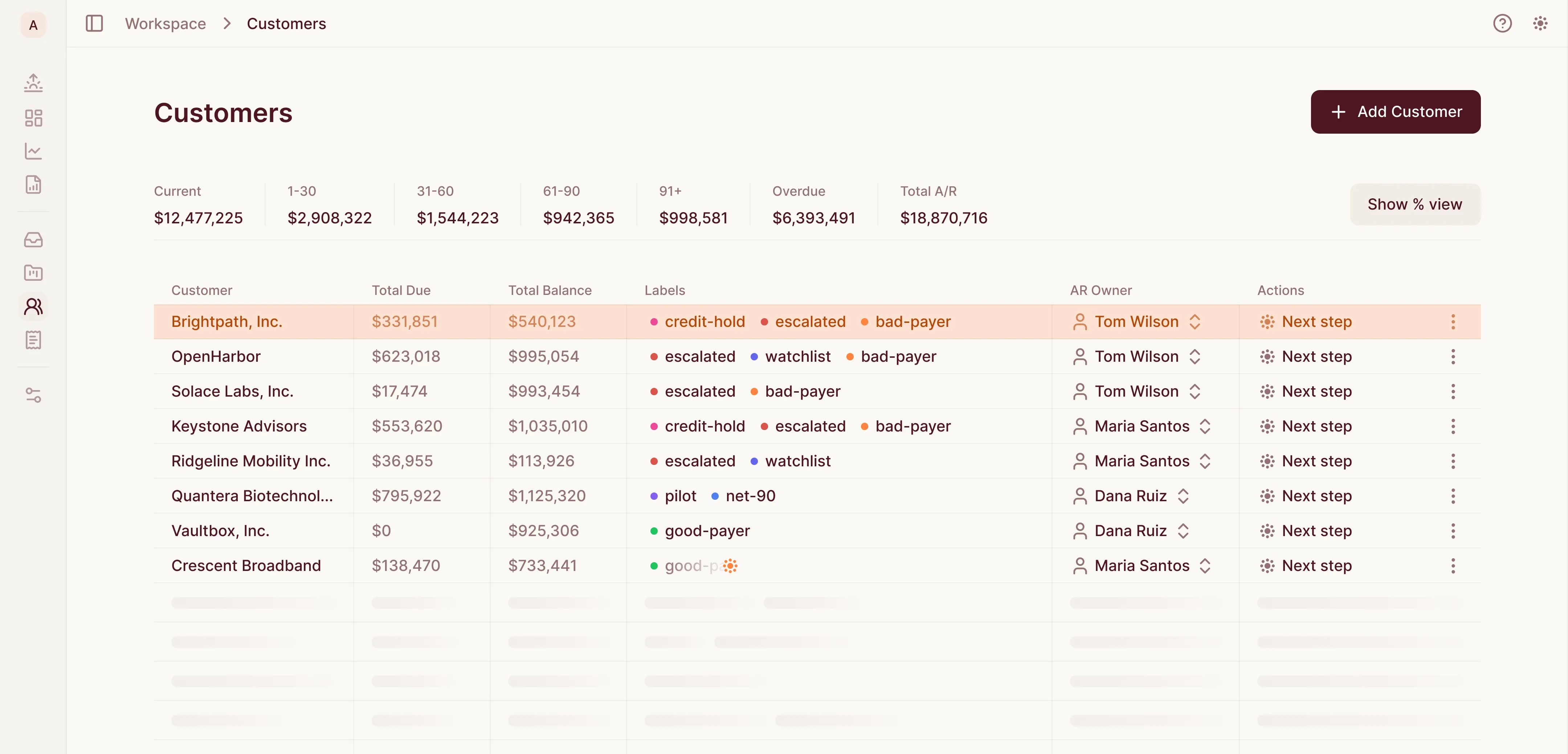
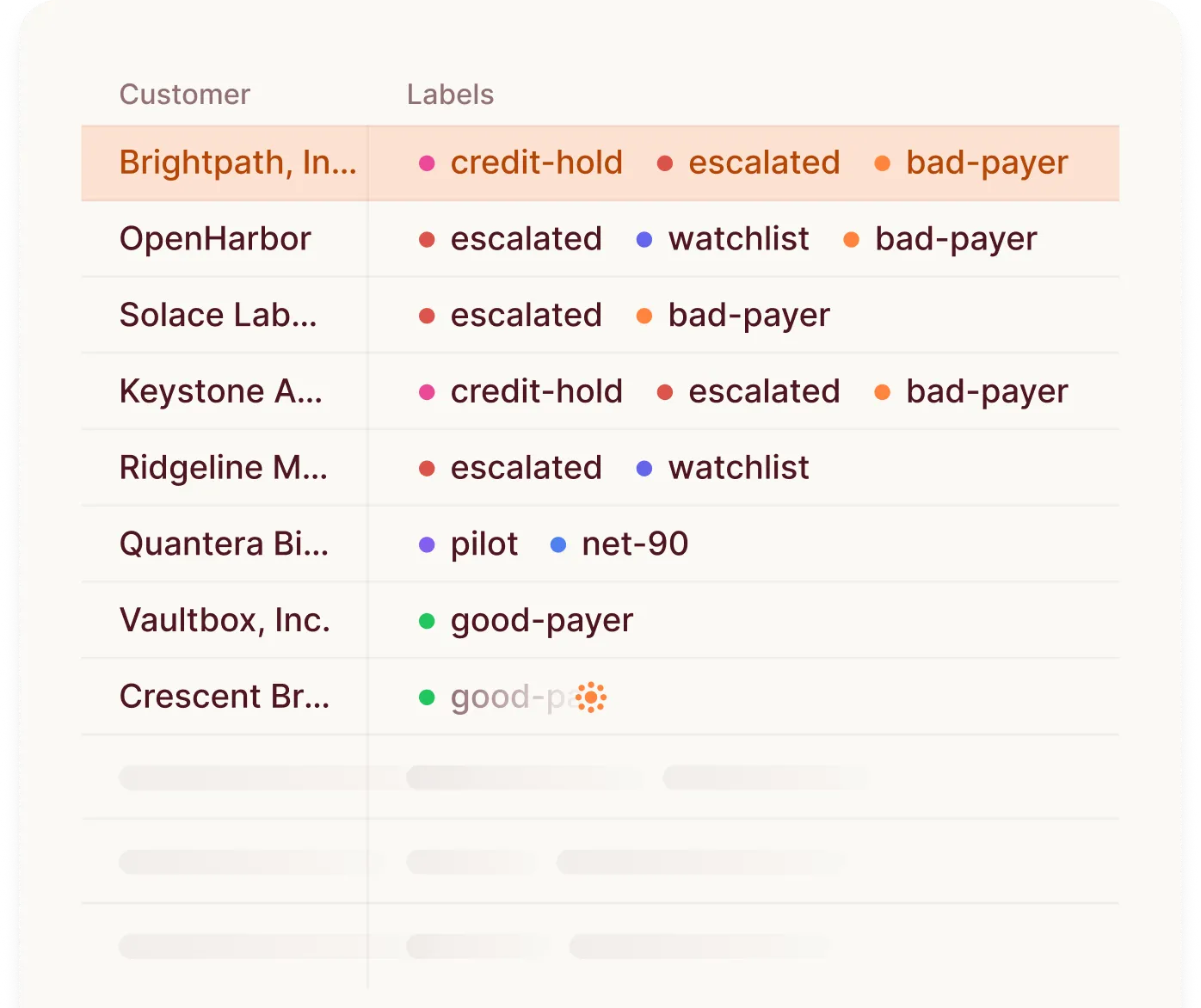
Connect a customer label to a collections sequence or program once. When a customer gains or loses that label, Daylit enrolls or removes them automatically.

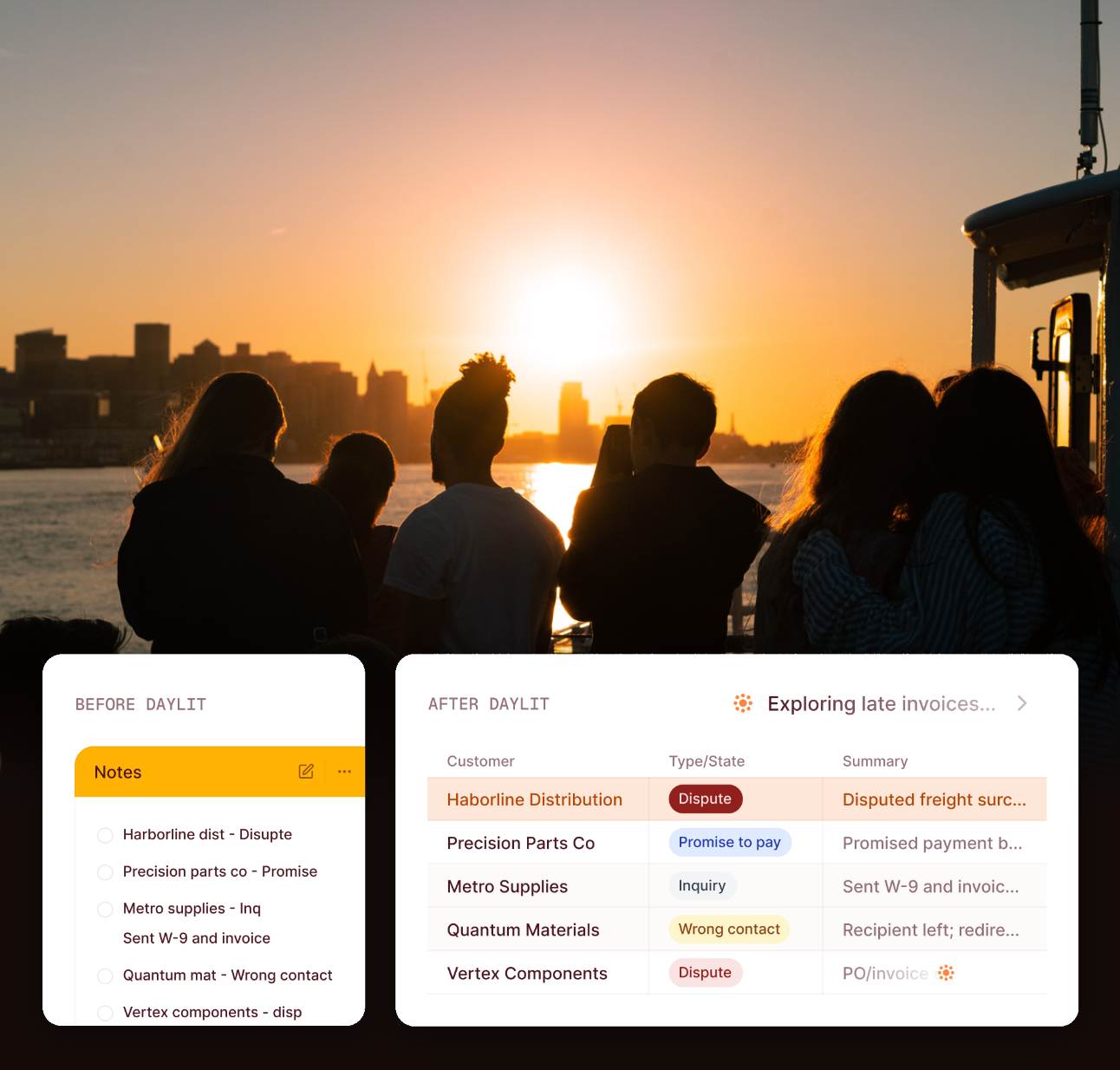
Labels that move customers, not just describe them
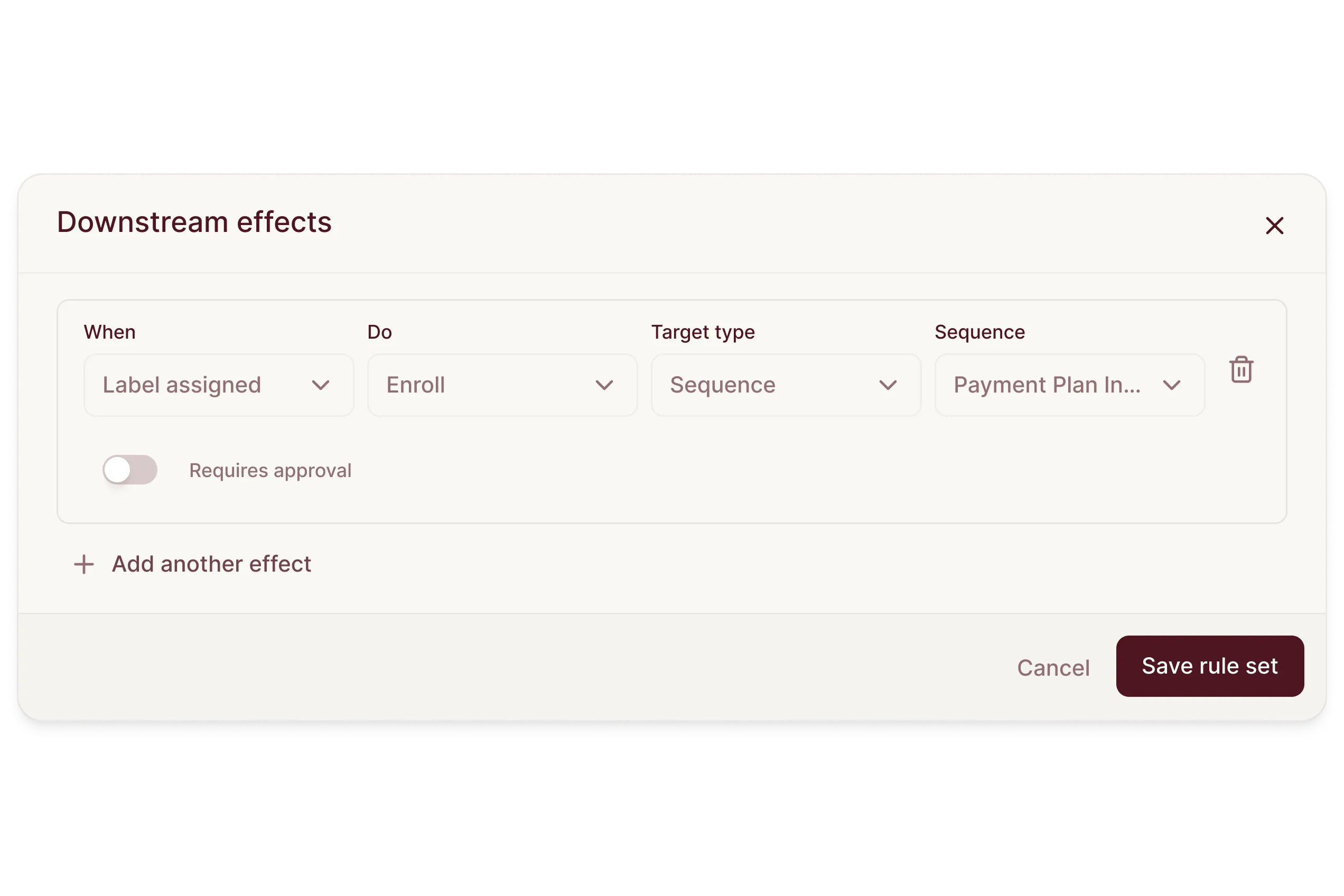
Wire a label to an action
Pick the sequence or collection program a label should trigger. It's one setup step per label, right in Settings.
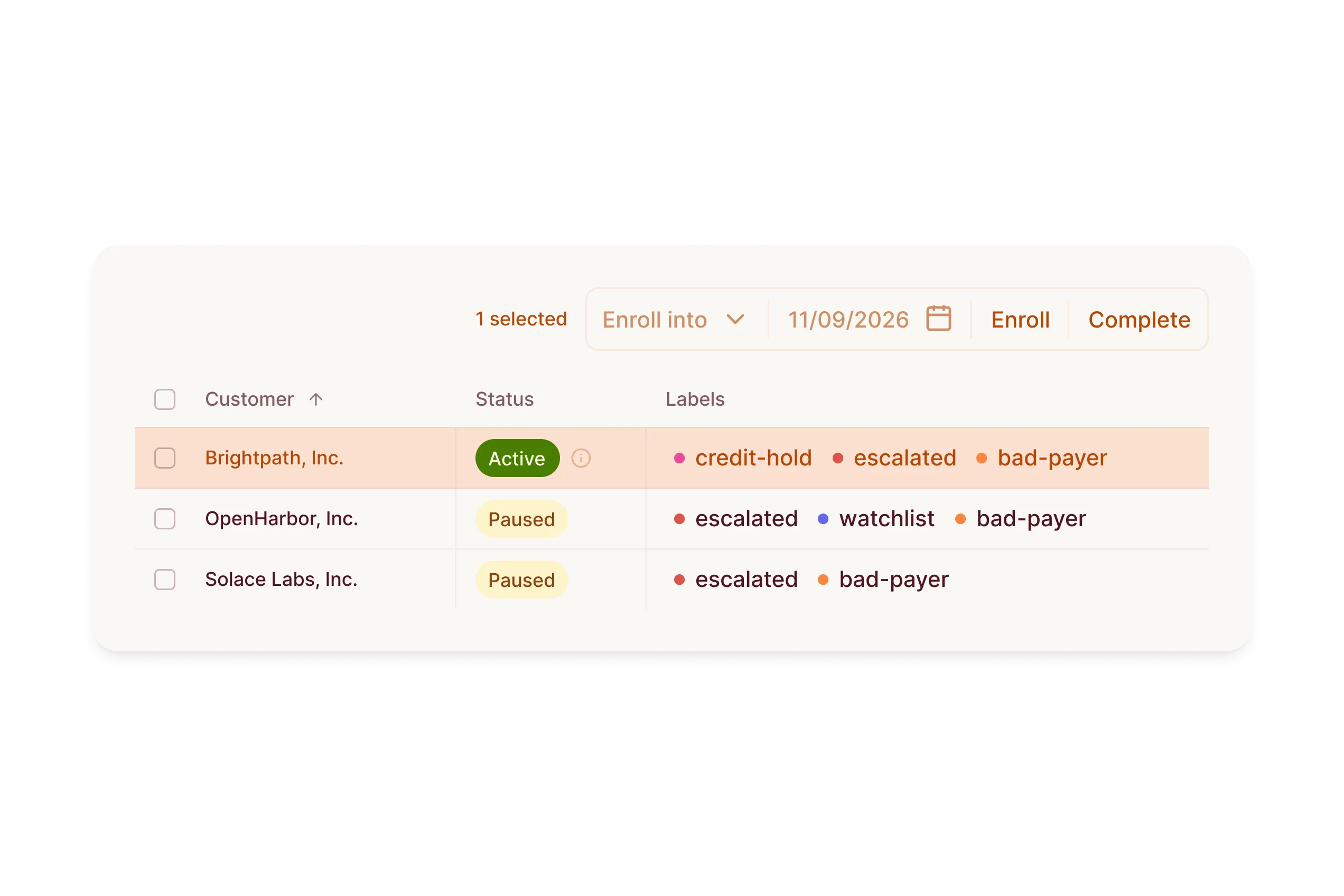
In when it's added, out when it's gone
When a label is assigned, the customer is enrolled. When it’s removed, they’re taken back out.
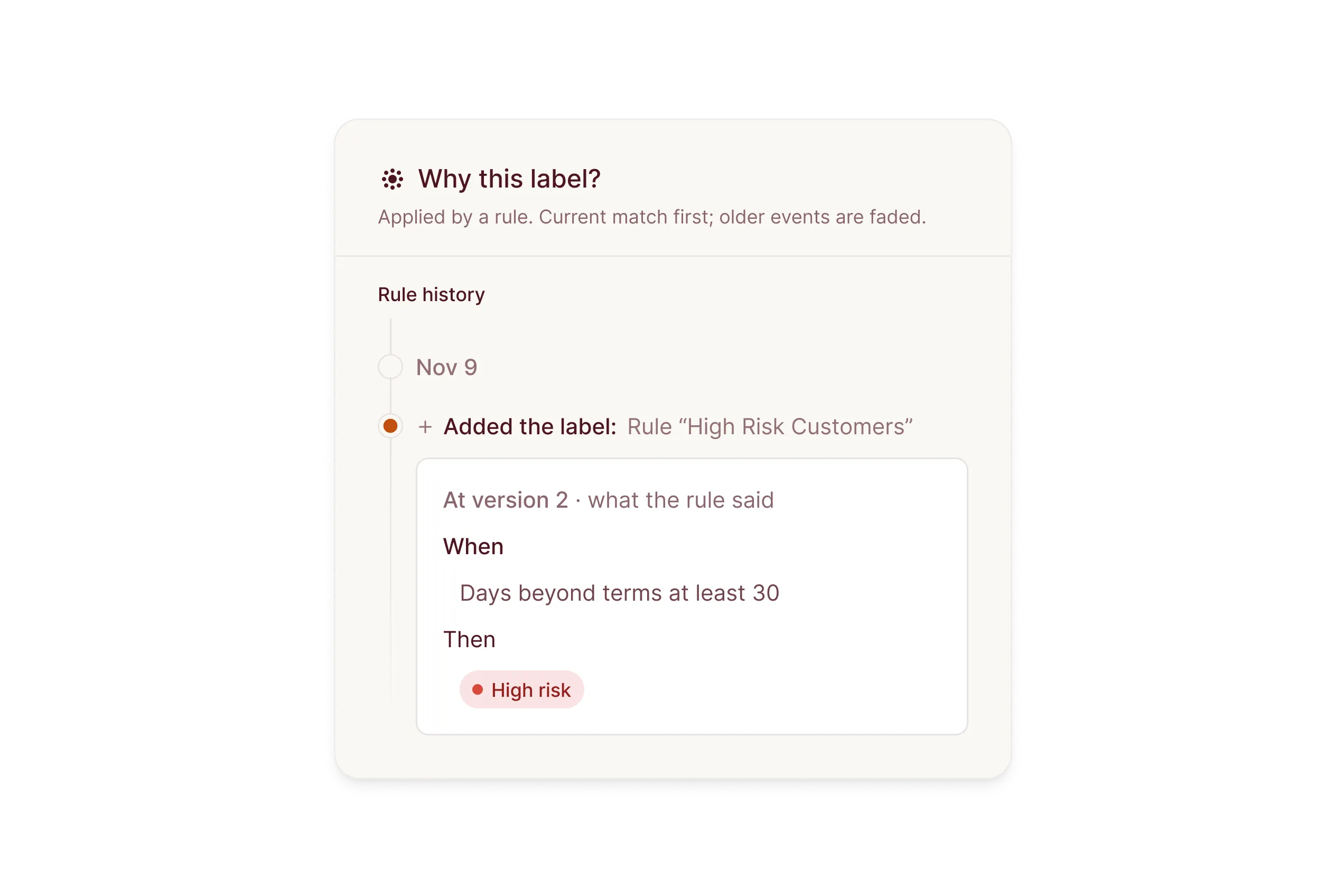
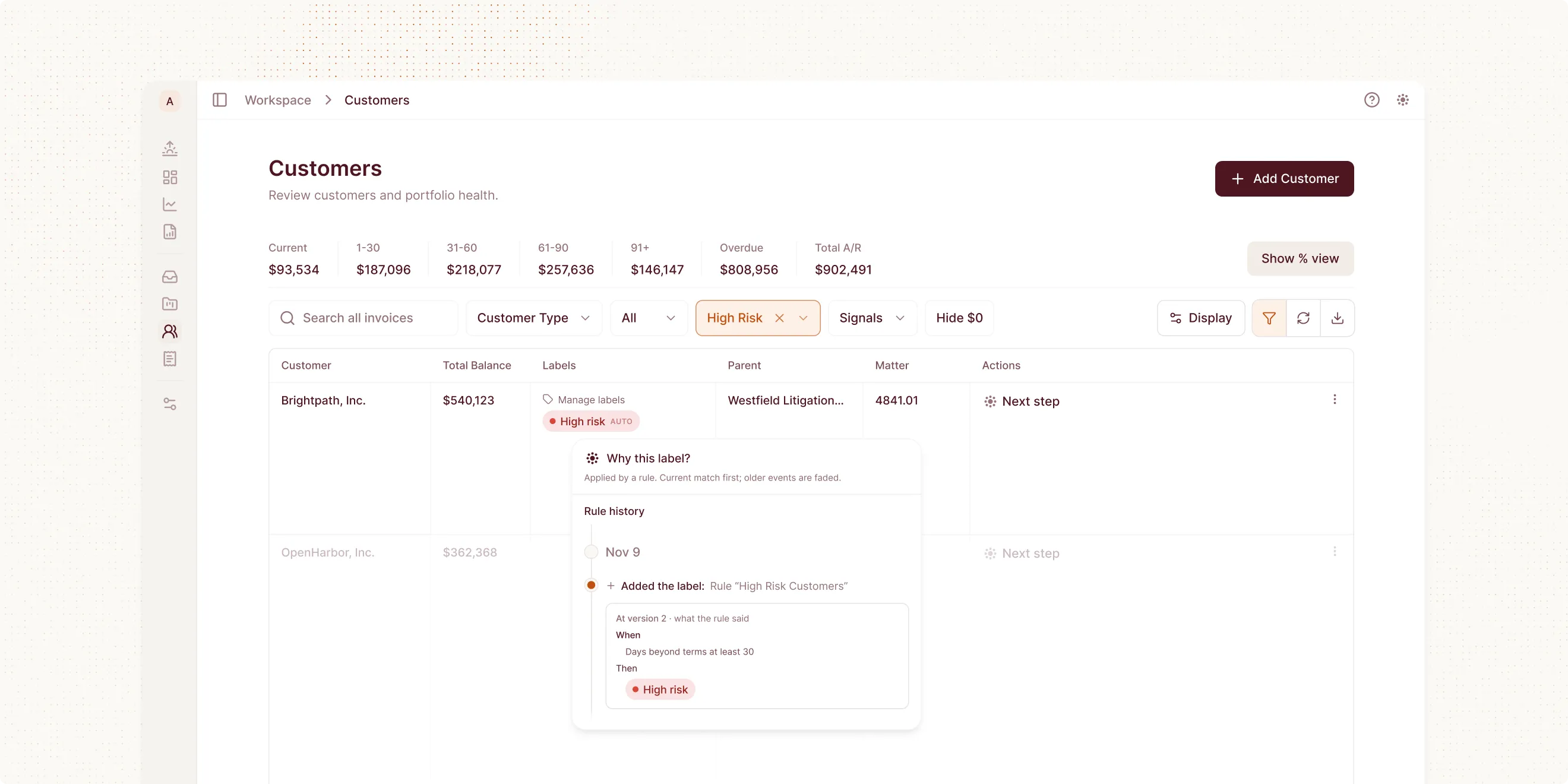
Why this enrollment?
Every automatic enrollment shows the label change that caused it, with a full history behind it.
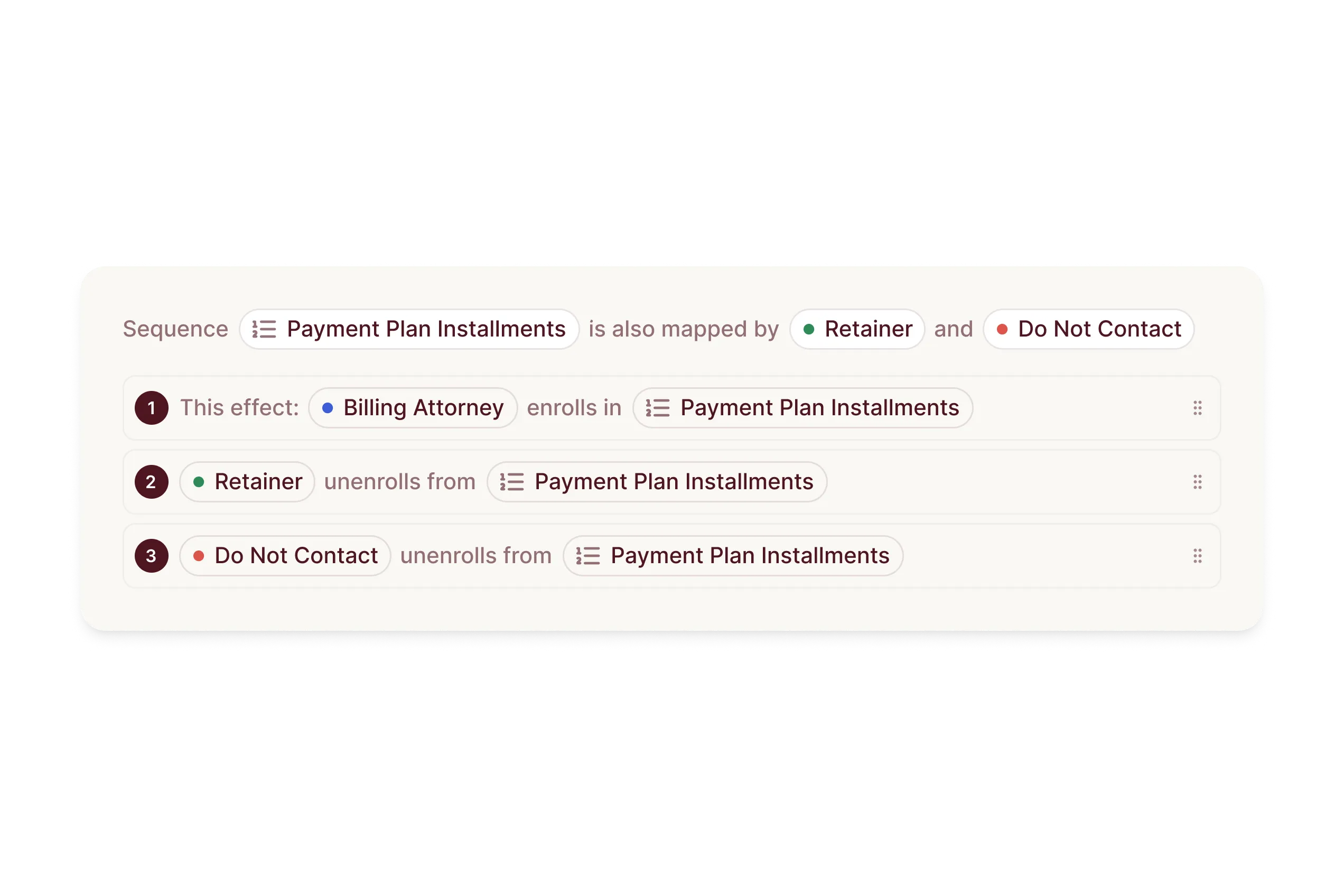
Clear rules when labels disagree
If two labels pull a customer in different directions, you rank which one wins, so nobody gets enrolled and removed in the same sync.

No more re-routing by hand
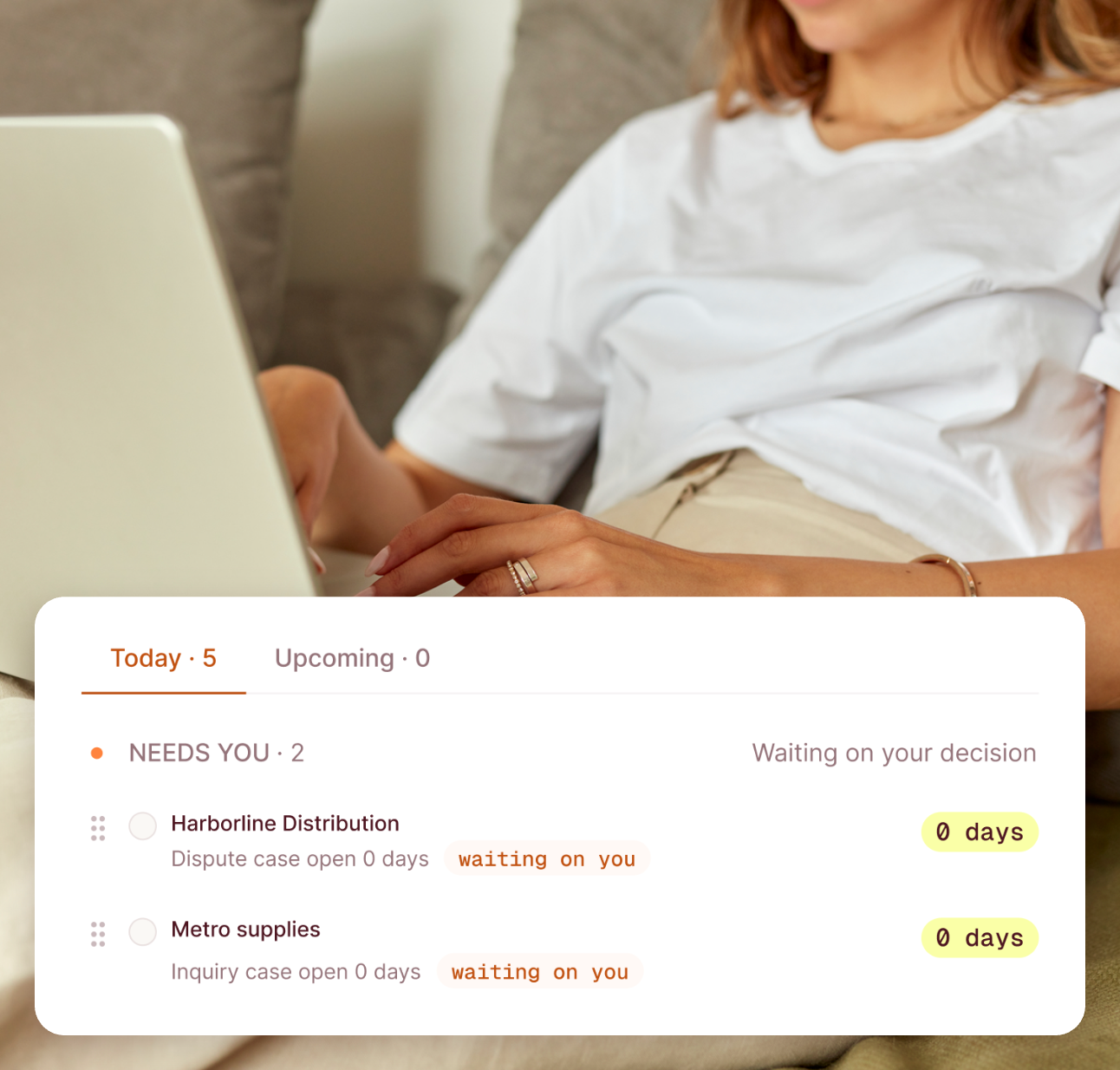
Managers stop moving accounts between programs themselves.

Labels that change outcomes
A risk flag now changes who gets contacted and how.

Cadences that keep up
Accounts move to the right program after the next sync.

Every move on record
Each enrollment and removal is logged and explained.
“I like that when a client’s payment behavior changes, they automatically move into the right collection program, so we never have to keep track of who’s who.”
Billing & Collections, Am Law 100 firm


Insights
Latest insights about Label Effects
See all