Keep the engagement going without chasing every invoice
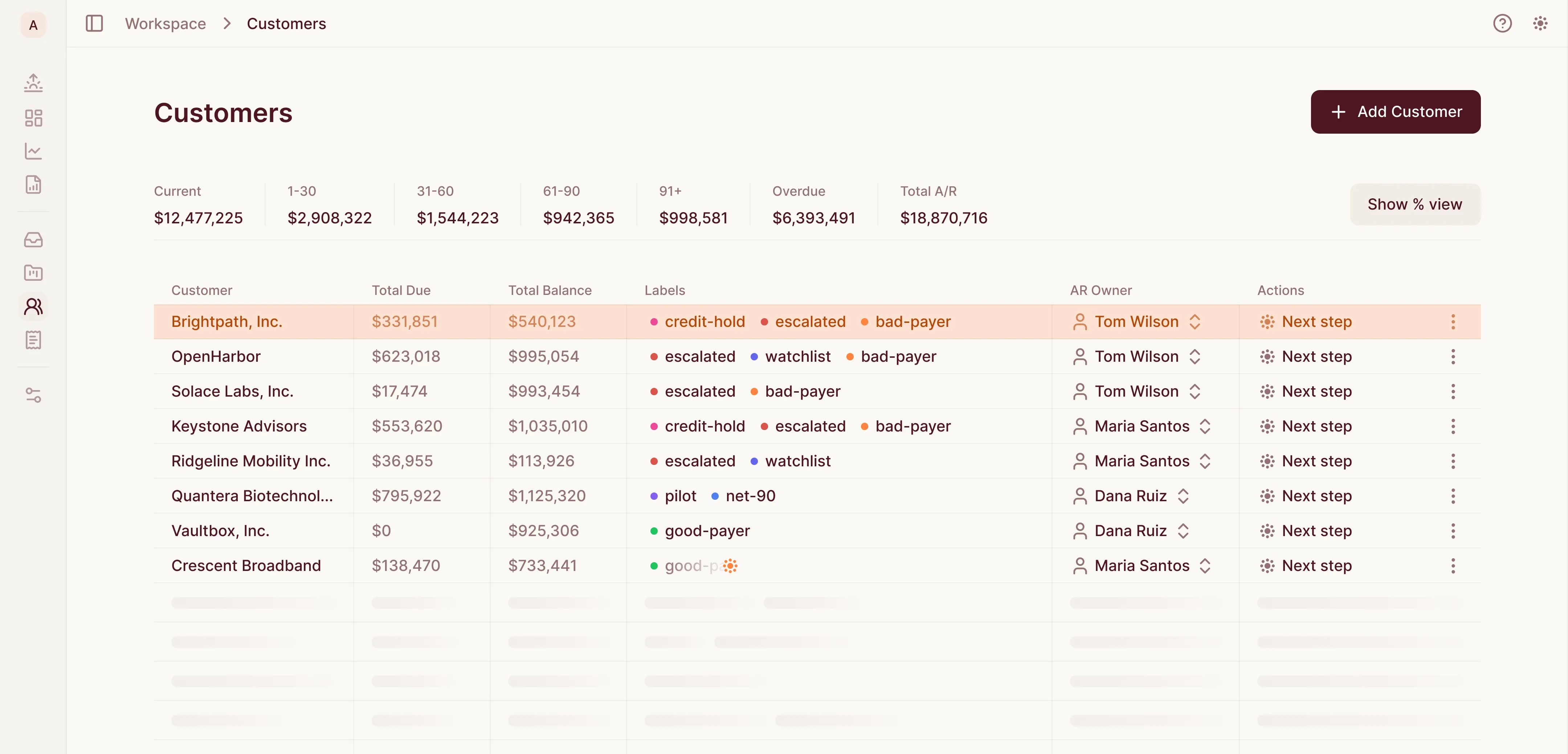
Daylit’s AI agents follow up on past-due invoices for consulting firms and flag questions about hours or scope, with every reply on the client’s record.


Built for how consulting firms get paid

Partners stay on client work

Every client conversation in one place

Disputes don’t stall the engagement








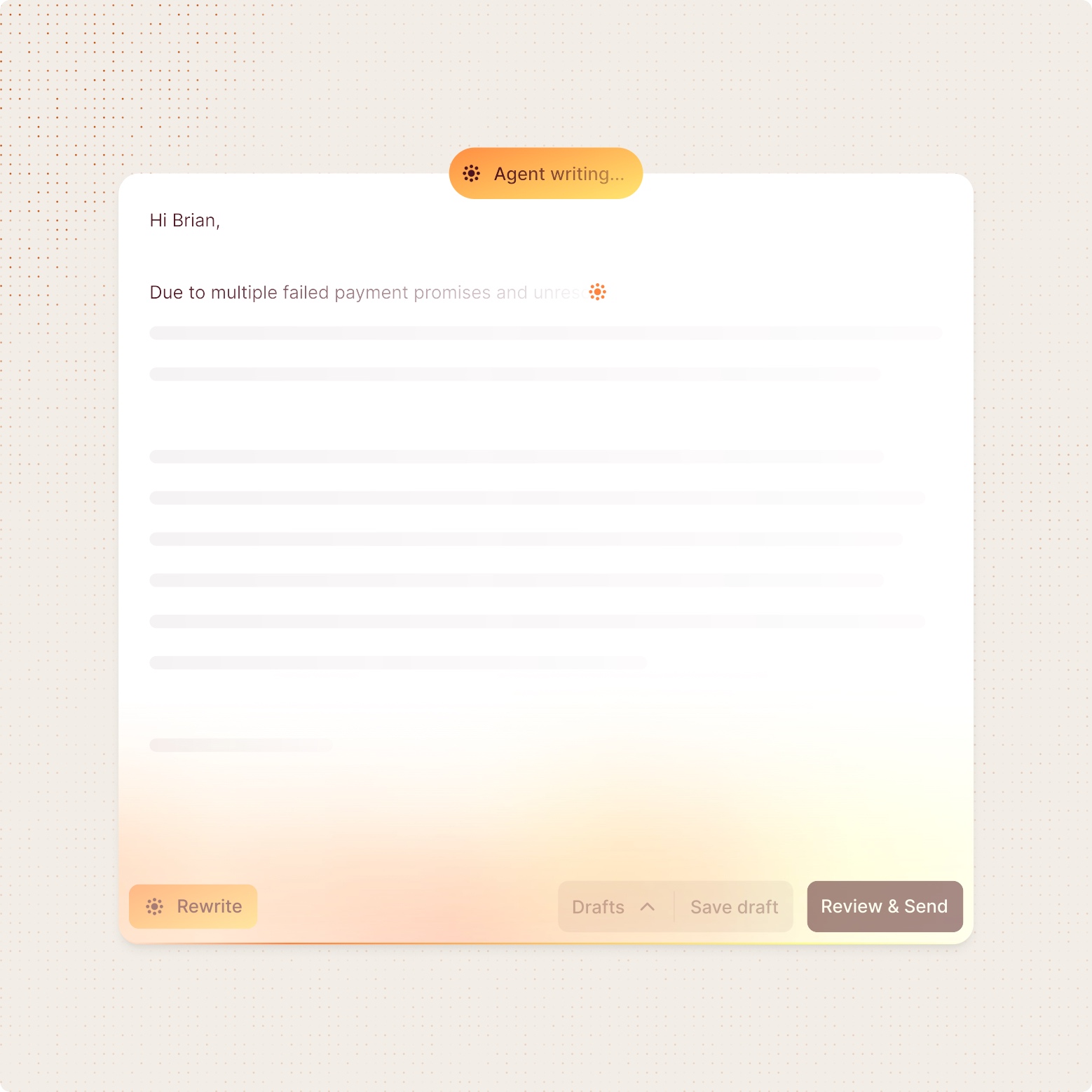
Follow-up on every invoice, without a partner sending it
Daylit’s agents email and call past-due clients on the schedule your firm sets, and draft texts your team can send in one click.
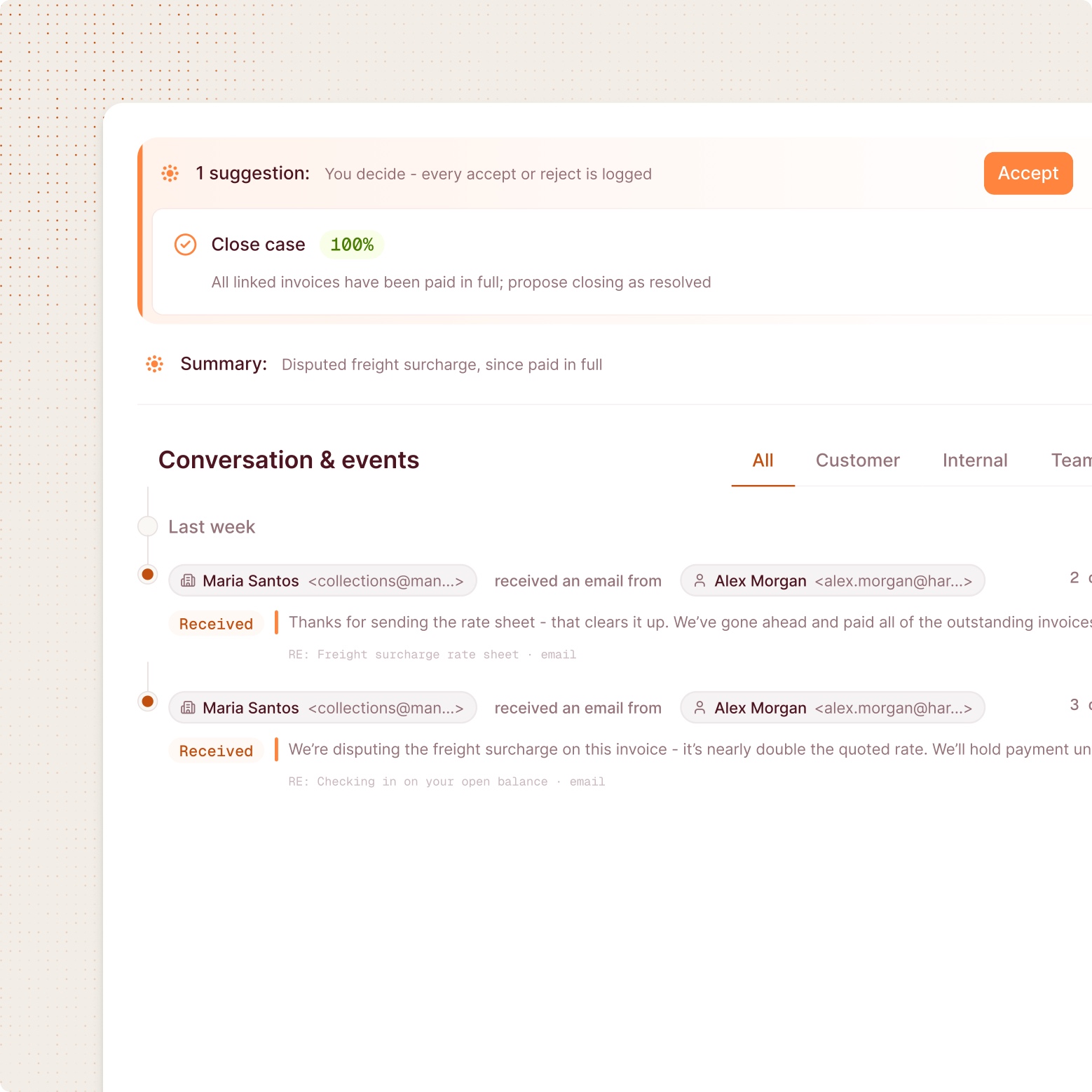
Questions about hours and scope, handled in one place
Daylit reads client replies, spots disputes and promises to pay, and suggests a case for your team to confirm, with reminders paused while it’s open.
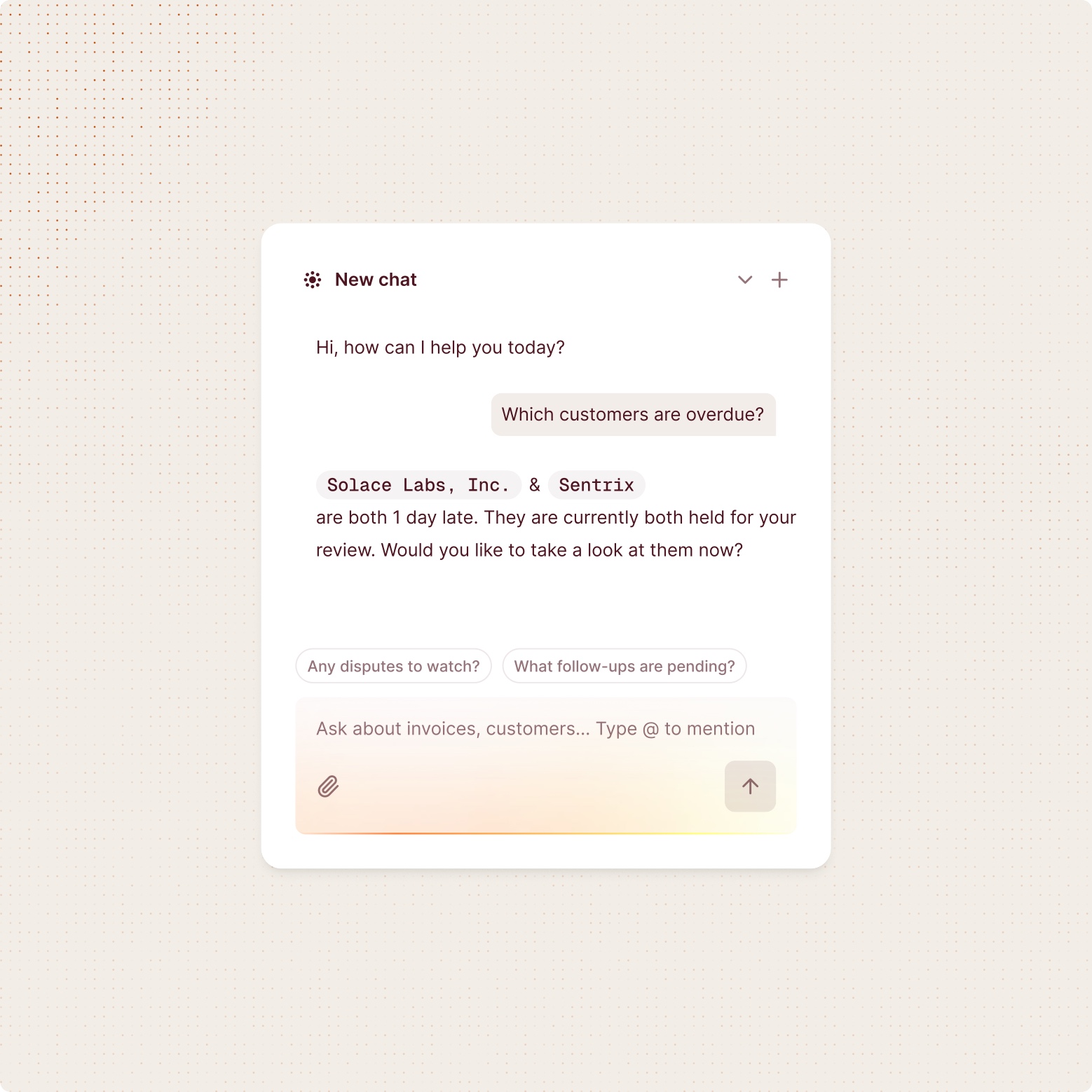
Know which clients to follow up with first
Every night, Daylit re-ranks your team’s client list by the priorities your firm sets, so the day starts with the engagements that matter most, not whoever emailed last.


“Daylit shows us the reason behind each unpaid invoice, which is really helpful, because some clients stop paying over a service issue to get our attention. It checks a lot of boxes for us.”
VP, Finance & Data, consulting firm

Latest insights about accounts receivable






Questions from consulting firms, answered
How Daylit fits the way your firm bills, collects and works with clients.
Will Daylit contact clients without the engagement lead knowing?

You set the rules. Emails and calls follow the schedule your firm sets, you choose whether calls wait for a person to start them, and texts are drafted by AI and sent by your team. Emails go out from your team’s own address, so clients hear from someone they know.
What happens when a client questions hours or scope?
Daylit flags the dispute and tags it with a reason for your team to confirm. Reminders on those invoices pause until the case is closed.
Can our biggest clients get different follow-up?
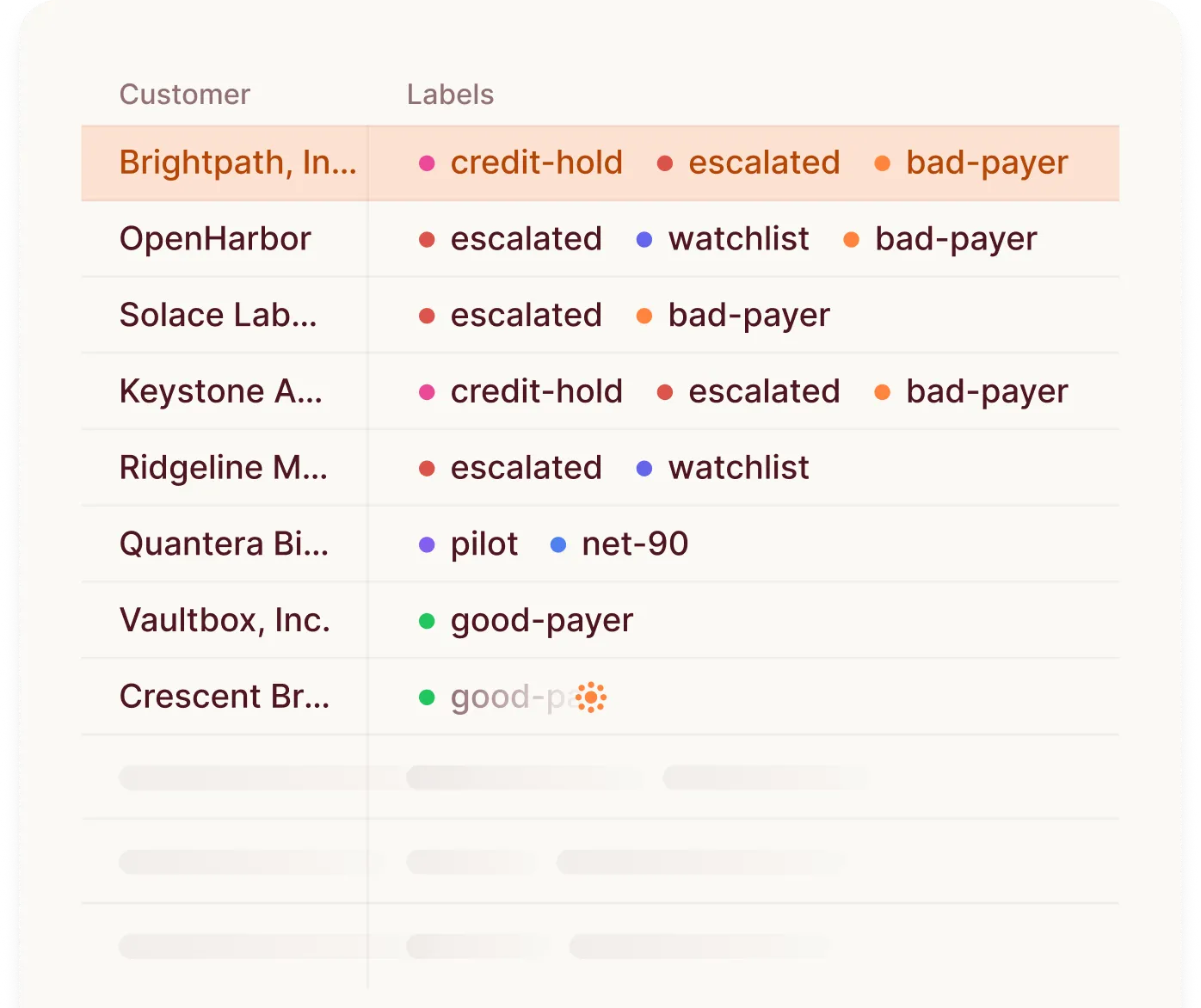
Yes. Label clients by rules you set, and Daylit moves them into their own sequence when a label changes.
Can partners get a regular view of client AR?
Build AR aging reports grouped by client or by your own labels, like service line or engagement partner, and email them weekly or monthly to anyone on your team.
Can we offer a client a payment plan?
Yes. Split the balance into installments, send the plan to your approver, and Daylit tracks each payment so you can see who’s on time and who’s behind.
Does Daylit work with our billing system?
Daylit syncs with NetSuite, QuickBooks, Xero, Sage Intacct, Microsoft Dynamics 365, Zoho Books, FreshBooks, Sage 50, Wave and more. If yours isn’t listed, you can send invoice data over SFTP, or ask us.